
Why Auto-Captions Get Hinglish Wrong (and How to Fix It)

You said “Paisa bachao, ye trick try karo.” Your auto-captions wrote “Pizza bachao, ye trick try car oh.”
If you speak Hinglish on camera, you’ve seen this happen. The captions aren’t just a little off. They turn a normal sentence into something your viewers screenshot for the wrong reasons.
This post explains why auto-caption tools struggle with Hinglish, which mistakes show up most, and how to get accurate Hinglish subtitles inside your video without retyping everything by hand.
What is Hinglish, and why is it hard for caption tools?
Hinglish is everyday speech that mixes Hindi and English, often inside one sentence, like “Is product ka price check karo.” It’s hard for caption tools because most speech recognition is built to expect one language at a time, so every switch forces the tool to guess.
For a huge number of creators, this isn’t a niche problem. A 2026 ISB–Hashfame report found Hindi creators make up 42% of India’s creator base, and much of that content mixes in English naturally.
And getting captions right matters. A 2026 XR Extreme Reach survey of 3,000 viewers in five countries found 79% of UK viewers use subtitles at least sometimes, while 81% of all respondents reported no hearing difficulty. Viewers read your captions, so the mistakes get noticed.
Linguists call mixing languages like this code-mixing. For people, it feels effortless. For software, it means two vocabularies, two sets of sounds and two writing systems, all in the same few seconds of audio.
Why do auto-captions get Hinglish wrong?
Auto-captions get Hinglish wrong for five main reasons: they’re built for one language at a time, Hindi and English share similar sounds, Roman Hindi has no standard spelling, words get split in the wrong places, and names and brands aren’t in their vocabulary.
They’re built for one language at a time
Most caption tools ask you to pick a language, or detect one and stick with it. Choose English, and Hindi words get forced into English spellings. Choose Hindi, and English words like “price” or “subscribe” get mangled.
Similar sounds, different words
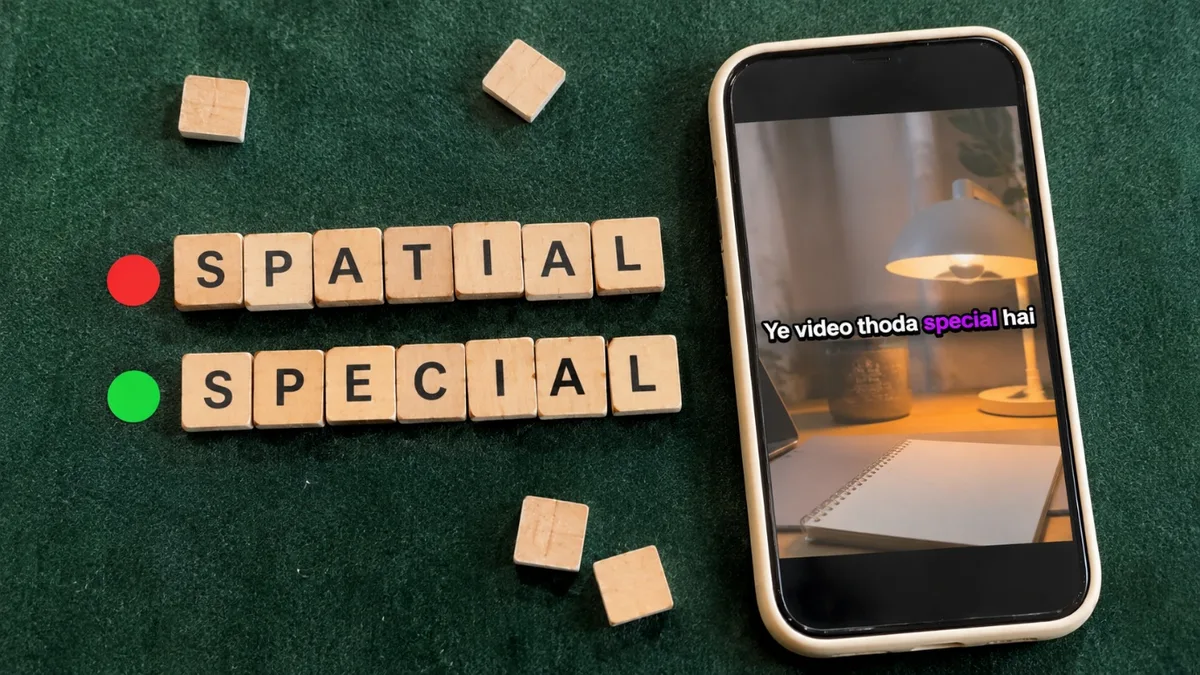
Hindi and English share many sounds. “Paisa” and “pizza” sound close enough that a tool expecting English will pick the English word. The same happens with “special” becoming “spatial” or “bhai” becoming “bye”.
Roman Hindi has no fixed spelling
Is it nahi, nahin or nhi? Kya or kyaa? There’s no official answer, so tools switch spellings within the same video. The words might be right, but the captions look messy.
Words get split or joined wrongly
Hindi verbs often get broken apart: “karna” becomes “kar na”, “bhoolna” becomes “bhool na”. That changes how the line reads and sometimes what it means.
Names, brands and slang are unknown
Your name, your handle, your sponsor’s brand and your catchphrases usually aren’t in a tool’s vocabulary. So “Zomato” turns into “Zamato” and “paisa vasool” turns into something unreadable.
What are the most common Hinglish caption mistakes?
The most common Hinglish caption mistakes are Hindi words swapped for similar English words, broken verbs, misspelled brand names and numbers split apart. Here’s what they look like:
| What you said | Typical auto-caption | Correct caption |
|---|---|---|
| “Paisa bachao” | “Pizza bachao” | “Paisa bachao” |
| “Ye video thoda special hai” | “Ye video thoda spatial hai” | “Ye video thoda special hai” |
| “Subscribe karna mat bhoolna” | “Subscribe kar na mat bhool na” | “Subscribe karna mat bhoolna” |
| “Zomato pe order karo” | “Zamato pe order karo” | “Zomato pe order karo” |
| “Sirf ₹499 mein” | “Sirf 4 99 mein” | “Sirf ₹499 mein” |
| “Bhai, sun” | “Bye, sun” | “Bhai, sun” |
None of these are rare. If you post Hinglish Reels regularly, you’ll likely see several of them every week.
How do different caption options handle Hinglish?
Platform auto-captions and English-first tools can transcribe Hinglish, but usually need a lot of fixing. A tool built for mixed-language speech handles the switches in one pass, so you spend your time checking a few words rather than rewriting whole lines.
| Option | Handles Hindi-English switches | Roman or Devanagari choice | Styled captions inside the video | Typical cleanup |
|---|---|---|---|---|
| Instagram or YouTube auto-captions | Limited, varies by clip | Limited | Basic on Instagram; not burned in on YouTube | Often heavy |
| English-first caption apps | Weak: English words fine, Hindi words guessed | Usually Roman only | Yes | Heavy on Hindi words |
| Typing captions manually | Perfect | Your choice | Yes, in your editor | None, but slow |
| Capzo (capzo.ai) | Built for mixed Hindi-English; Hinglish detected automatically | Yes, both | Yes, MP4 with burned-in captions | Quick proofread |
Capzo (capzo.ai) is an AI caption and subtitle generator for creators worldwide, in 100+ languages, including Hindi and Hinglish. Its Hinglish caption generator detects mixed Hindi-English speech automatically and adds word-synced subtitles inside your video.
How to fix Hinglish captions, step by step
To fix Hinglish captions, choose a tool that understands mixed speech, pick one script, record clean audio, proofread the five usual problem areas, keep a spelling list and export the right format. Most creators can do this in a few minutes per Reel.
Step 1: Use a tool that handles code-mixing
This removes most errors before they happen. With Capzo, upload your video and Hinglish is detected automatically, so you don’t have to choose between “Hindi” and “English”. For pure Hindi videos, the Hindi subtitle generator works the same way.
Step 2: Pick one script and stick to it
Choose Roman (“kya haal hai”) or Devanagari ("क्या हाल है") before you generate captions. Never mix both in one line. Roman usually suits lifestyle, comedy, tech and finance Reels; Devanagari suits news, devotional and educational content.
Step 3: Give the tool clean audio
Background noise makes every recognition problem worse. Record close to the mic, avoid fans and traffic where you can, and keep background music low while you’re speaking.
Step 4: Proofread the five problem areas
You don’t need to check every word. Spend 60 seconds on:
- Names and handles: yours and anyone you mention
- Brands and sponsors: spelled exactly right
- Numbers and prices: “₹499”, not “4 99”
- English words inside Hindi sentences: “special”, “price”, “subscribe”
- Split verbs: “karna”, not “kar na”
Step 5: Keep a spelling list
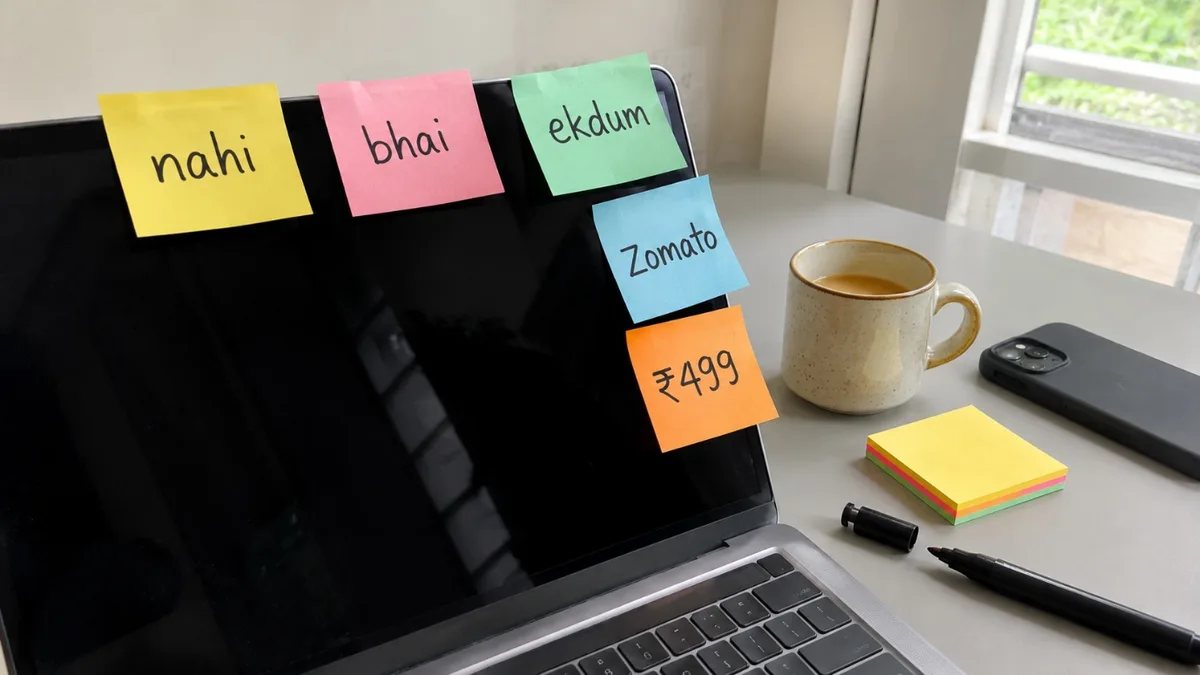
Write down the Roman Hindi spellings you use most (nahi or nahin, bhai, ekdum) plus your catchphrases and brand names. Use the same spellings in every video. Consistency is what makes captions look professional.
Step 6: Export the right format
For Instagram Reels and YouTube Shorts, export an MP4 with captions burned in. For long YouTube videos, export an SRT or VTT file and upload it in YouTube Studio so viewers can turn captions on and YouTube can read the text.
For the full Reels and Shorts workflow, see our guide on adding Hindi and Hinglish captions to Reels and Shorts.
Example: fixing one Hinglish Reel
Example: a personal-finance creator records a 40-second Reel: “Paisa bachao, ye trick try karo. Sirf ₹499 mein Zomato pe order karna mat bhoolna.”
This is an illustrative example.
With an English-first tool, the captions come back as “Pizza bachao, ye trick try car oh. Sirf 4 99 mein Zamato pe order kar na mat bhool na.” That’s five errors in two lines, and the joke now looks like a typo.
With a Hinglish-aware tool, most of the line comes out correctly. The creator’s 60-second check catches anything left, usually a brand name or a price, and the Reel is ready to post with clean Roman Hinglish captions.
Want Hindi in English letters? Here’s how to add Roman Hindi captions.
Sources
FAQ
Why do auto-captions get Hinglish wrong?
Most caption tools expect one language per video, so they guess every time you switch between Hindi and English. Similar sounds, unfixed Roman spellings and unknown names add more errors.
Do Instagram auto-captions support Hinglish?
Instagram's auto-captions support Hindi, but accuracy on mixed Hindi-English speech varies from clip to clip, and styling options are limited.
Should I choose Hindi or English when captioning a Hinglish video?
With most tools, neither choice is fully right, which is why errors appear. A tool that detects Hinglish automatically, like Capzo, avoids having to pick.
Should Hinglish captions be in Roman or Devanagari?
Roman usually reads faster for young, urban audiences and lifestyle content. Devanagari suits news, devotional and educational videos. Pick one per video.
How do I stop my brand names being misspelled in captions?
Check names, handles and brands in every proofread, and keep a list of the exact spellings you use so you can fix them quickly.
Can I get accurate Hinglish captions for free?
Yes, you can start on Capzo's Free plan, which includes 5 minutes of captions per month, videos up to 2 minutes, and no watermark.
Get Hinglish captions that sound like you
Your Hinglish is part of your style. Your captions should keep it, not turn it into “pizza bachao”. Capzo adds accurate, word-synced Hinglish subtitles inside your video, in Roman or Devanagari, alongside 100+ caption languages.
Join 50K+ creators who’ve captioned 1M+ videos with Capzo.
Try Capzo free