
How to Translate a Hindi Video into English Subtitles (2026 Guide)
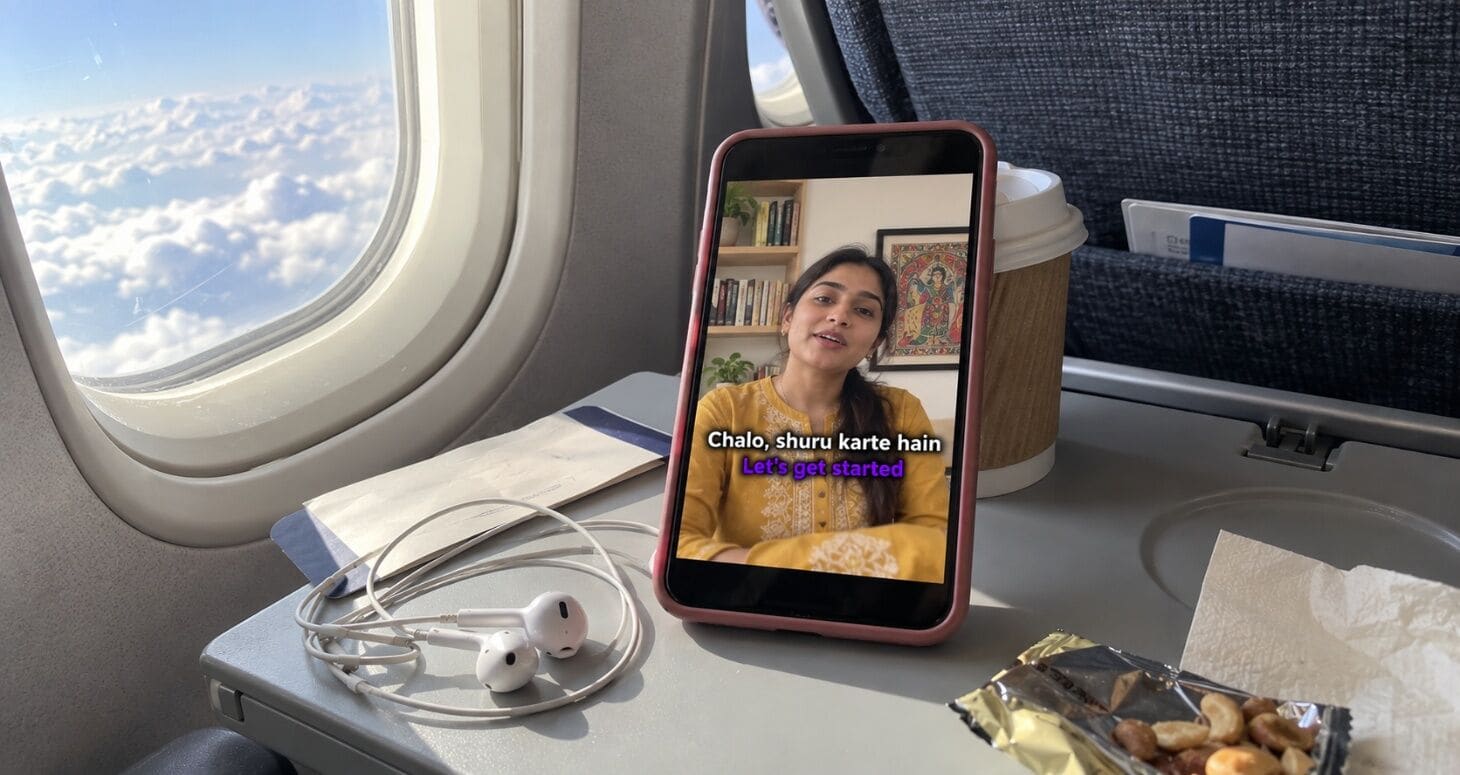
You made a great video in Hindi. Your Tamil friend can’t follow it. Your cousin in Canada watches for 10 seconds and leaves. A brand in Dubai likes your work but asks, “Do you have it in English?”
One video. Three lost audiences. All because of one missing subtitle track.
This guide shows you how to translate a Hindi video to English subtitles that are accurate, natural-sounding and ready for YouTube, Reels and Shorts, without re-recording a single word.
- 10,000 creators translate their videos with Capzo
- 100+ languages
Why translate your Hindi videos into English?
English subtitles are the widest bridge your content can cross, both inside India and outside it.
- Inside India: viewers in Tamil Nadu, Kerala, Karnataka, West Bengal and the Northeast often follow English more easily than Hindi. English subtitles open your content to them instantly.
- NRIs and the diaspora: many second-generation NRIs understand some Hindi but read English faster. Subtitles help them stay hooked.
- Global viewers and brands: English subtitles make your work understandable to international audiences, collaborators and sponsors.
The data backs it up:
- YouTube says creators who added extra language tracks saw over 25% of their watch time come from viewers outside the video’s main language, on average.
- Subtitles are now normal viewing behaviour. A 2026 Extreme Reach survey found 80% of viewers use subtitles at least sometimes, even though 81% reported no hearing difficulty.
In short: you’ve already done the hard work of making the video. English subtitles let far more people enjoy it.
3 ways to translate a Hindi video (compared)
There are three common ways to get English subtitles on a Hindi video. Here’s how they compare:
| YouTube auto-translate | Google Translate (copy-paste) | Capzo | |
|---|---|---|---|
| How it works | Viewer turns on CC → Auto-translate → English | Copy the Hindi transcript, paste into Google Translate, paste back | Upload once, get Hindi captions and English subtitles in one project |
| Who controls it | The viewer, not you | You | You |
| Hinglish & slang | Often breaks | Often literal and awkward | Built for code-mixed speech; review in one editor |
| Keeps timing | Yes | ❌ You must fix timing manually | ✅ Yes |
| Works on Reels/Shorts | ❌ Viewers rarely open CC | ❌ Manual | ✅ Burned-in English subtitles |
| Time per 10-min video | Zero for you, but quality isn’t in your hands | 1–2 hours | Minutes, plus a quick review |
About YouTube auto-translate: it only works when the video already has captions to translate from, and it struggles with slang and accents. It’s fine for casual viewing, but you can’t edit it or style it, and many viewers never find it.
About Google Translate: it translates text, not videos. You have to pull out a transcript, translate it, then rebuild the timing yourself, which is slow and error-prone.
How to translate a Hindi video to English subtitles, step by step
Here’s the full workflow with Capzo:
Step 1: Upload your video
Upload your MP4 or MOV. Vertical for Reels and Shorts, horizontal for YouTube.
Step 2: Select Hindi as the spoken language
Capzo handles pure Hindi and Hinglish (mixed Hindi-English) in one pass.
Step 3: Generate and review the Hindi captions
This step matters most. If the Hindi captions are wrong, the English translation will be wrong too. Spend a minute fixing names, brands and slang. (New to this? See our guide on adding Hindi and Hinglish captions.)
Step 4: Translate to English
Choose English as the target language. Capzo translates every caption line while keeping the original timing.
Step 5: Review the English subtitles
Read through the English lines once. Check that slang, jokes and idioms sound natural (see the slang guide below).
Step 6: Export
- For YouTube long-form: export an SRT file in English (and one in Hindi, if you want both).
- For Reels and Shorts: export an MP4 with English subtitles burned in, or with both Hindi and English on screen.
How to add English subtitles to a YouTube video
Once you have your English SRT file:
- Open YouTube Studio and click Subtitles in the left menu.
- Select your video.
- Click Add language and choose English.
- Under Subtitles, click Add → Upload file → With timing.
- Select your English SRT file and click Publish.
Viewers can now pick English from the CC menu, and your custom subtitles replace YouTube’s auto-translated version.
Pro tip: In the same Subtitles screen, also add an English title and description. YouTube shows translated titles to viewers based on their language settings, which can help your video get clicked by English-speaking viewers.
English subtitles for Reels and Shorts
On short-form, viewers won’t open a CC menu. Subtitles must be burned into the video. You have two good options:
| Option | Looks like | Best for |
|---|---|---|
| English only | “Try this trick, everyone should know it” | Content aimed mainly at non-Hindi or global viewers |
| Bilingual (Hindi + English) | Line 1: “Ye trick sabko pata honi chahiye” Line 2: “Everyone should know this trick” | Mixed audiences; keeps your desi flavour while staying understandable |
Bilingual tips:
- Put the original Hinglish on top, slightly larger, and English below, slightly smaller.
- Keep both lines short, about 3–6 words each.
- Use different colours or weights so viewers can tell them apart instantly.
Pro tip: Bilingual captions are a great way to test demand. If your English-speaking comments and shares grow, consider separate English-first versions of your best Reels.
How to translate Hinglish slang naturally

This is where most translations go wrong. Machine translation tends to go word by word, but Hinglish humour and slang need the meaning, not the words.
| Hinglish | ❌ Literal translation | ✅ Natural English |
|---|---|---|
| “Dimaag ka dahi ho gaya” | “My brain became curd” | “My head is fried” |
| “Kya scene hai?” | “What is the scene?” | “What’s going on?” |
| “Full paisa vasool” | “Full money recovered” | “Totally worth it” |
| “Chalo, shuru karte hain” | “Come, let’s do start” | “Let’s get started” |
| “Ekdum jhakaas” | “Completely jhakaas” | “Absolutely awesome” |
| “Bas, ho gaya” | “Enough, it happened” | “That’s it, done” |
Three simple rules
- Keep the vibe, not the words. If it’s a joke in Hindi, it should still feel like a joke in English.
- Keep culture-specific words like jugaad, chai or Diwali. Add a short hint only if needed: “jugaad (a clever hack).”
- Keep it short. English subtitles must fit the same timing as your Hindi speech. Shorter is better.
Pro tip: Keep a running list of your catchphrases with their best English versions. Use the same translation every time so your English-speaking audience learns your style too.
Translation mistakes to avoid
- Translating bad captions. Fix the Hindi captions first; errors multiply in translation.
- Word-for-word slang. “My brain became curd” makes viewers laugh for the wrong reason.
- Lines that are too long. English is often longer than Hindi. Trim so viewers can read in time.
- Forgetting names and brands. Make sure names, handles and product names stay correct in English.
- Relying only on YouTube auto-translate. You can’t control its quality, and Reels/Shorts viewers rarely see it.
- Skipping the title and description. Translated subtitles work better with a translated title and description.
Real example: one creator’s English subtitles
The creator: Karan, a Hindi tech-explainer YouTuber from Indore with 1.2 lakh subscribers.
The problem: His comments were full of requests like “English subtitles please” from viewers in South India and abroad. Making them manually with Google Translate took 2 hours per video, so he only did it occasionally.
What he changed
- Started using Capzo to create Hindi captions and English subtitles from one upload
- Added English titles and descriptions in YouTube Studio
- Used bilingual captions on his Shorts
After 3 months
| Metric | Before | After |
|---|---|---|
| Time to create English subtitles per video | 2 hours | 2 minutes |
| Videos with English subtitles | 2 of 8 per month | 8 of 8 |
| Watch time from outside the Hindi belt and abroad | 9% | 76% |
| “English subtitles please” comments | frequent | none |
“Mere South Indian aur NRI viewers ab poori video dekhte hain. English subtitles ab extra kaam nahi lagta.”
Beyond English: what’s next?

Once English is working, adding more languages is easy, since your captions are already done. Arabic for Gulf viewers, Spanish or Portuguese for Latin America, Indonesian for Southeast Asia: each one is just another export.
Read The Complete Guide to Video Captions for Indian Creators for which languages to add first and how subtitles compare with AI dubbing.
FAQ
How do I translate a Hindi video into English subtitles?
Create accurate Hindi captions first, translate them into English with a tool like Capzo, review the English lines, then export an SRT file for YouTube or a video with burned-in subtitles for Reels and Shorts.
Can YouTube automatically translate Hindi videos into English?
Yes. Viewers can turn on CC and choose Auto-translate → English. But it only works if the video has captions, struggles with slang, and you can’t edit or style the result.
Is Google Translate good for video subtitles?
It can translate the text, but you lose timing and have to rebuild the subtitle file manually. Slang and Hinglish also tend to come out literal and awkward.
Can I translate a Hinglish video, not just pure Hindi?
Yes. A tool built for Hinglish handles the mixed Hindi-English speech first, then translates it into natural English.
How do I add English subtitles to my YouTube video?
In YouTube Studio, go to Subtitles → your video → Add language → English → Upload file (with timing), choose your SRT file and publish.
Should I use English-only or bilingual subtitles on Reels?
Use English-only if your audience is mostly non-Hindi. Use bilingual (Hindi on top, English below) if your audience is mixed.
Can I translate my video into other languages besides English?
Yes. Capzo supports 100+ languages, so you can export subtitles in Arabic, Spanish, Indonesian, Tamil and many more from the same project.
Make your Hindi videos understandable everywhere
Your content already works in Hindi. English subtitles let the rest of India, and the world, enjoy it too.
Join 10,000+ creators translating their videos with Capzo
Translate your first video freeKeep reading: